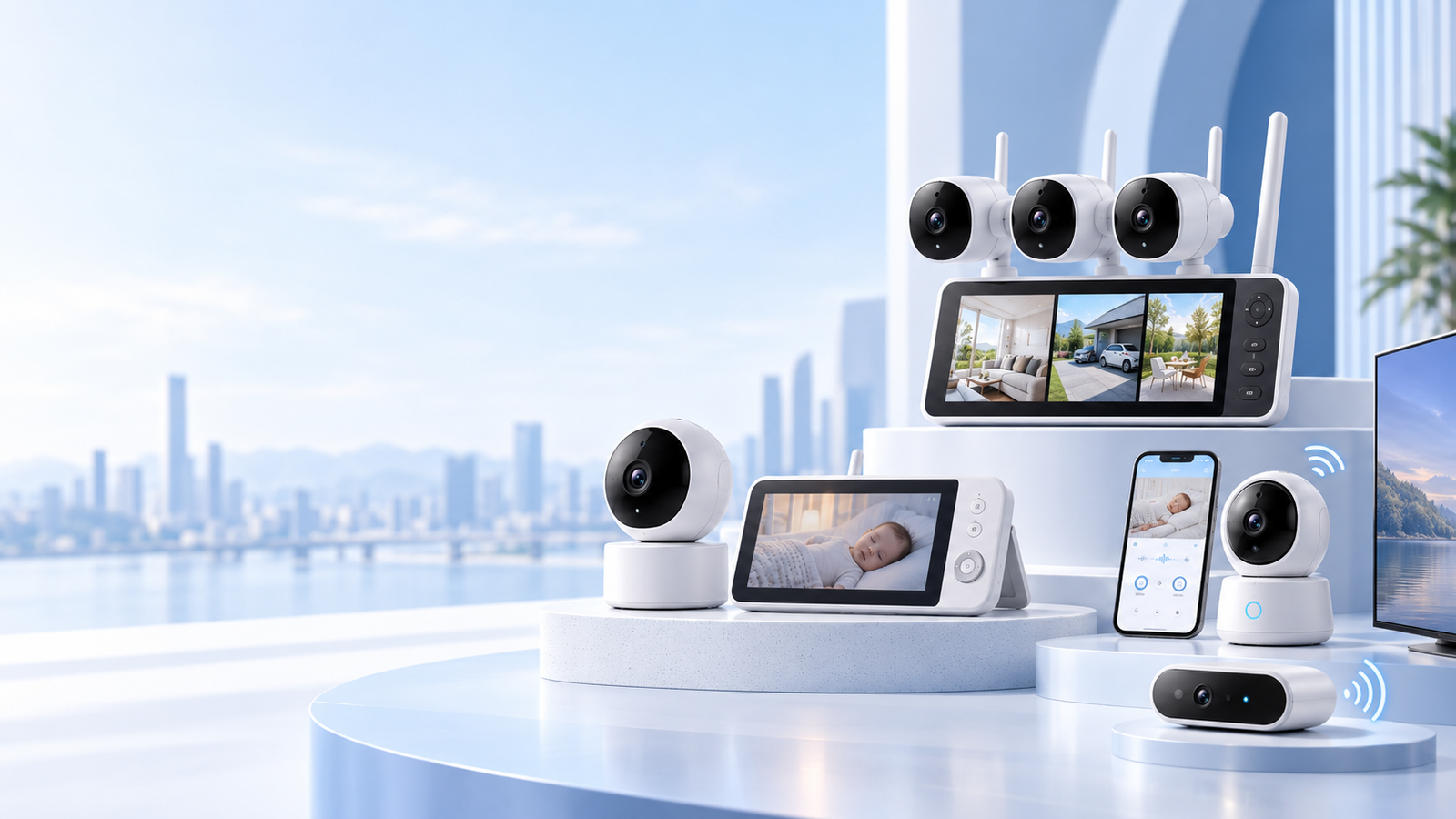
Camera & Video Monitoring OEM / ODM
True Bond develops camera-based monitoring devices for brands, importers and product companies. We cover the camera module, display unit, wireless link, PCBA, firmware and mobile app, from requirement review through mass production.
Baby monitors are our core product line. The same camera, display and wireless engineering carries over to monitoring products for home care, pets, retail spaces and smart furniture.
Board, camera, radio, firmware and app — built by one team.
Most problems in a camera product show up where two parts meet: optics and housing, radio and firmware, firmware and app. With all six handled by one team, those problems are found before tooling, not after.
- 01PCBA designSchematic, layout and BOM
- 02SMT productionBoards built on our own lines
- 03Camera module integrationLens, sensor and IR layout
- 04Wireless transmission integrationLocal 2.4 GHz link or Wi-Fi
- 05Firmware-hardware coordinationFirmware tuned on the actual board
- 06Mobile app developmentViewing app under your brand
Camera device types we take on
Six project types in two groups: complete devices sold under your brand, and camera hardware built into a product you already make.
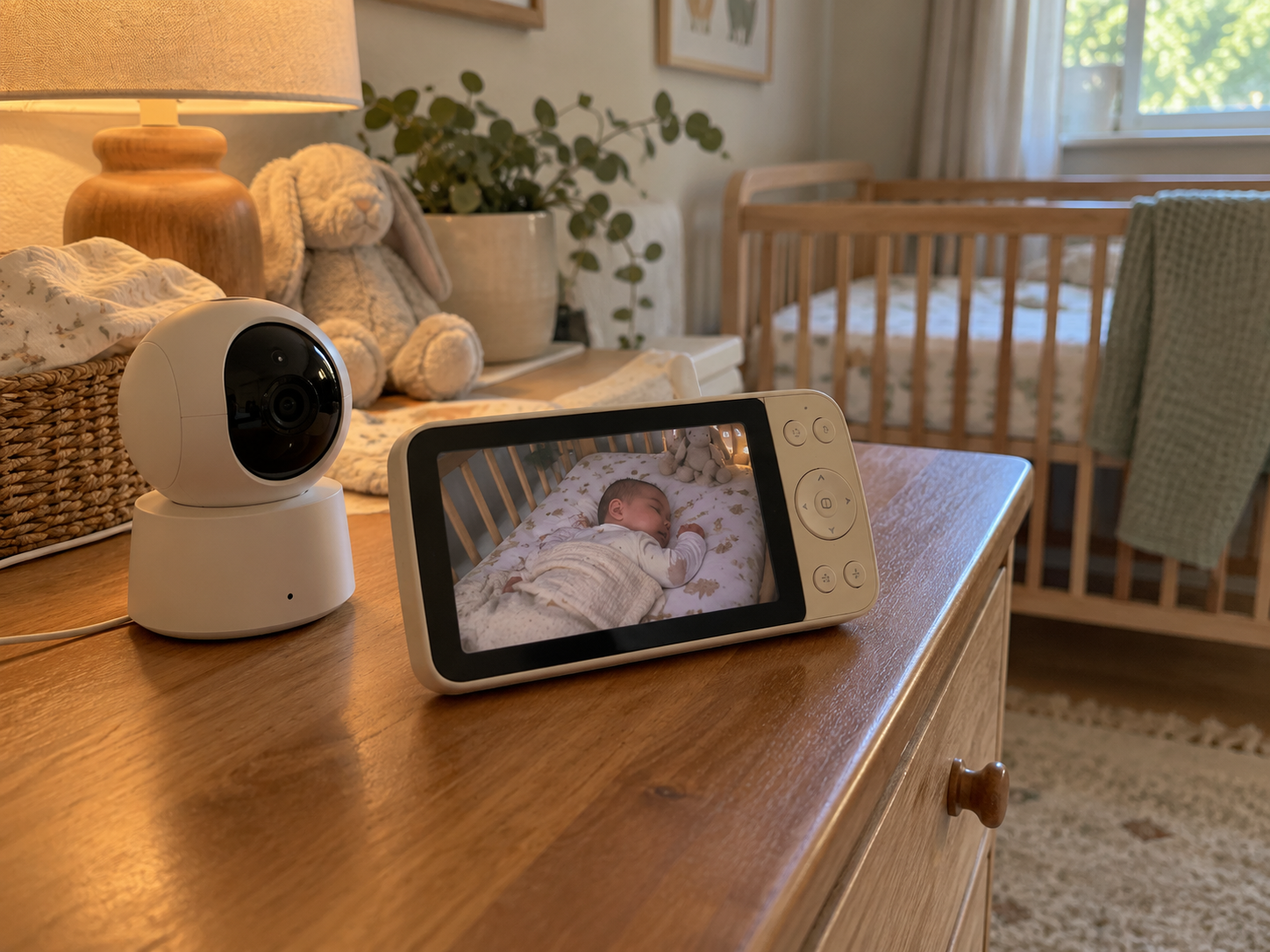
01
Nurseries · home care · pets
Camera + display kits
A camera unit paired with a dedicated display unit, the same architecture as a video baby monitor. It suits nursery, home care and pet monitoring where users prefer a screen over a phone app.
Typical inputsScreen size, cameras per display, battery or mains power, connection type
Discuss a camera + display kit →
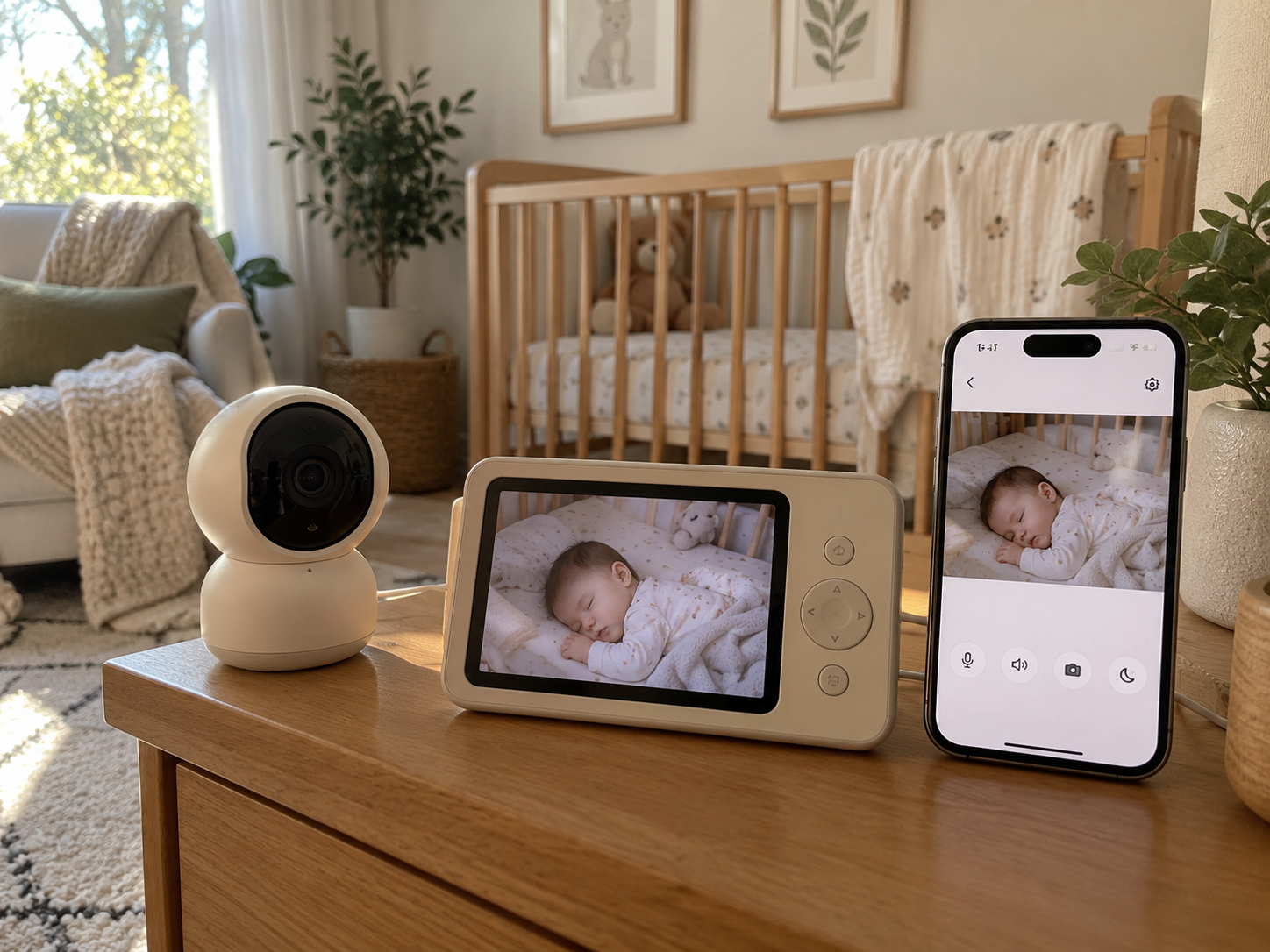
02
Nurseries · home care · away-from-home viewing
Display + app kits
A dedicated display for use at home, plus a mobile app for viewing when away. The display runs on its own local link, so it keeps working when the internet connection is down.
Typical inputsScreen size, app feature scope, cloud or P2P video service, who owns the app and user accounts
Discuss a display + app kit →
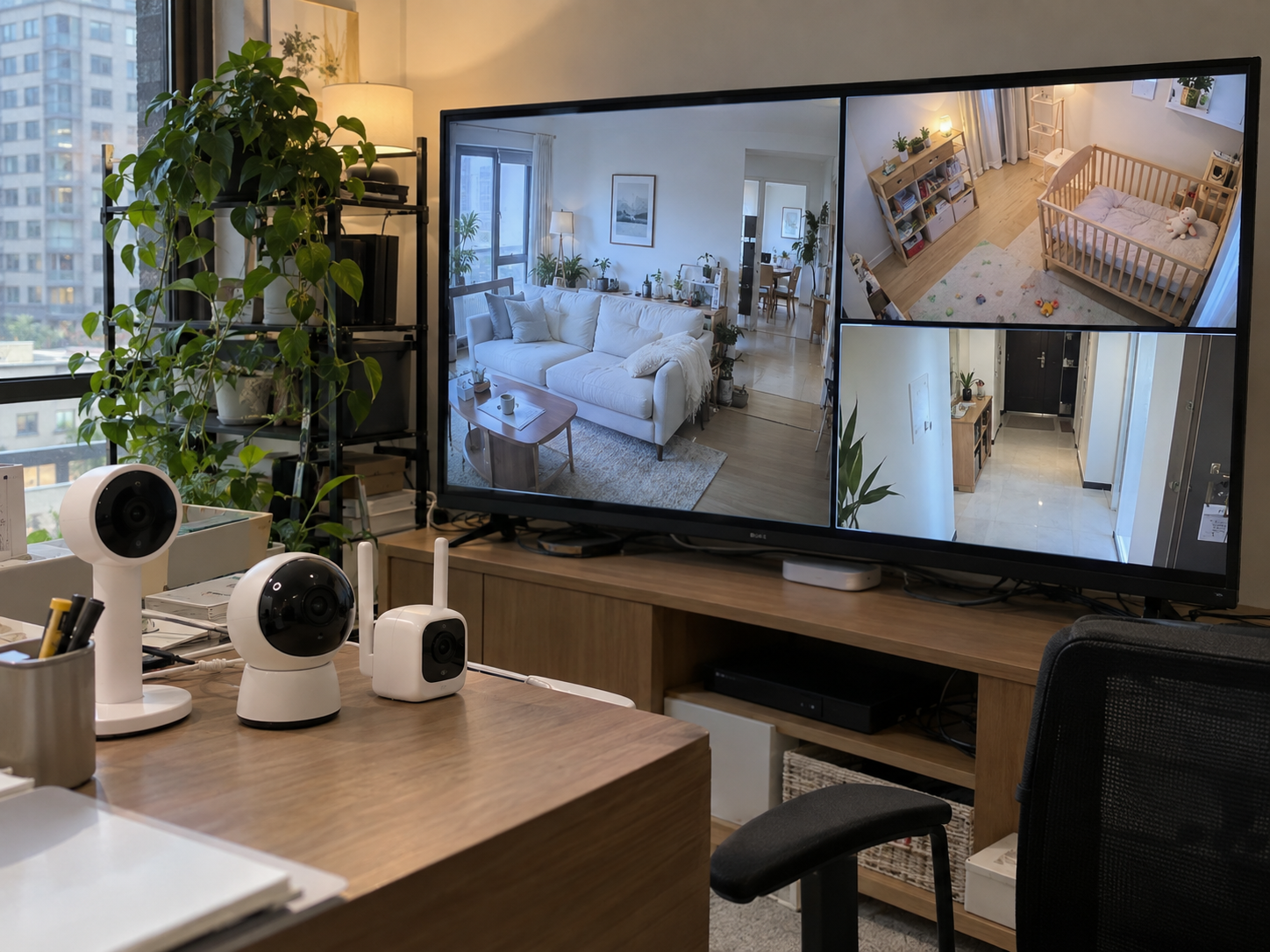
03
Multi-room homes · showrooms · service counters
Multi-camera video systems
Two or more cameras on one screen, with split view, camera switching and HDMI output to a larger display. For multi-room homes, showrooms and service counters.
Typical inputsNumber of cameras, display or HDMI requirements, local or remote viewing
Discuss a multi-camera system →
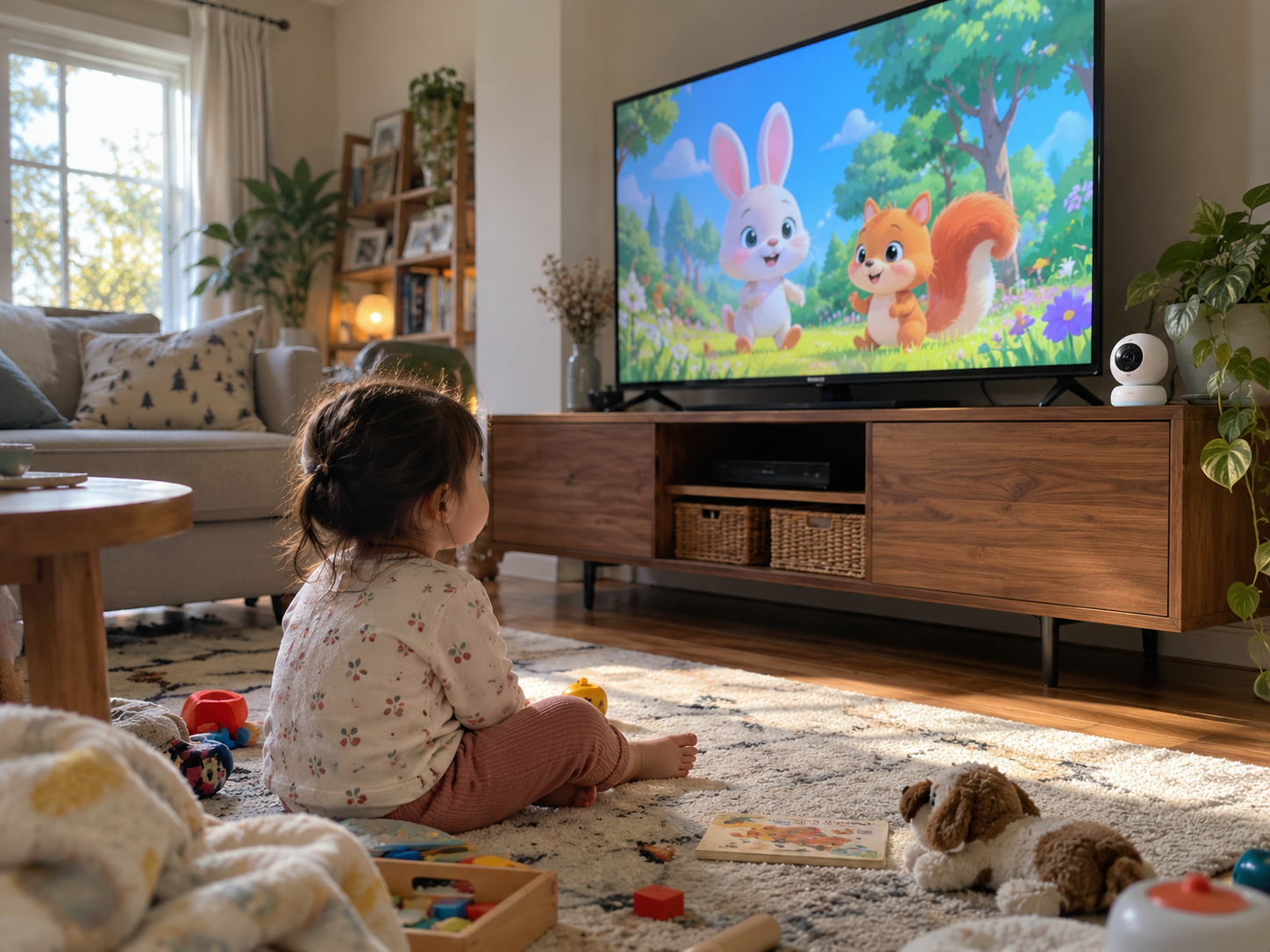
04
Living rooms · kids' rooms · pets
Wi-Fi indoor cameras with a branded app
A standalone indoor camera that joins the home Wi-Fi and is viewed in a mobile app under your brand. The camera hardware, firmware and app are developed by the same team.
Typical inputsApp features, cloud or P2P video service, target markets for certification
Discuss a Wi-Fi camera →Embedded camera modules
A camera built into another product: a crib, a piece of furniture, an appliance or a kiosk. Lens, angle of view, mounting position and IR layout are worked out from your drawings.
Typical inputsHost product drawings, mounting position, the area that must stay in view
Discuss an embedded camera →Camera PCBA for existing designs
You already have the enclosure or product design. We develop the camera and control board to fit it, coordinate firmware with the hardware and build the boards at volume.
Typical inputsEnclosure drawings, interface definition, existing firmware or protocol
Discuss a camera PCBA →- Nursery & sleep products
- Home & elderly care
- Pet products
- Retail & showrooms
- Smart furniture & appliances
Sourcing baby monitors? See our No-WiFi baby monitor solutions and current models.
Local link, Wi-Fi, or both
The connection choice sets cost, privacy, certification scope and after-sales workload. We settle it at the start of a project, before board design begins.
- Local 2.4 GHz link
- Wi-Fi / internet
Local link
Camera and display pair directly over a dedicated 2.4 GHz wireless link. No router, app or user account is involved.
- Viewing
- Paired display
- Internet
- Not required
- User account
- None
- Suits
- Users who want a dedicated screen, homes with weak Wi-Fi, privacy-led product lines
- Plan for
- Range that varies with walls and layout, viewing on the paired display only, pairing behaviour when several units operate nearby
Wi-Fi + app
The camera joins the home network and video is viewed in a mobile app, through a cloud service or a peer-to-peer connection.
- Viewing
- Phone app
- Internet
- Required
- User account
- Yes, in the app
- Suits
- Viewing away from home, several users per device, app-based features
- Plan for
- Who owns the app, user accounts and video data; network setup support; EU RED cybersecurity requirements (EN 18031 series) for internet-connected radio products
Our engineers develop the mobile app. Cloud or P2P video service and data ownership are agreed per project.
Hybrid
A local link to a dedicated display, plus Wi-Fi for remote viewing. The local display keeps working when the internet connection is down.
- Viewing
- Display and phone app
- Internet
- Only for remote viewing
- User account
- For the app only
- Suits
- Products that need a screen at home and access away from home
- Plan for
- Two radio paths to validate, higher BOM cost, clear rules on what leaves the home network, and an optional hardware switch that turns Wi-Fi off
Background reading: FHSS, Wi-Fi and DECT compared: an engineer's decision guide
Details that decide image quality
Image quality in a finished product depends on more than the sensor. These are the points we check early, from your drawings and use case.
01 · Optics
Angle of view from your drawings
We work out the angle of view needed to cover the target area from the actual mounting position, then select the lens.
02 · Night vision
IR light and distance
IR light reaching a surface drops with the square of distance. With oblique mounting, near areas can overexpose while far areas stay dark, so the IR LED layout may need to be zoned or aimed unevenly.
Night vision and IR range explained →03 · Day / night
Night mode and the IR-cut filter
At night the IR-cut filter moves out of the light path so the sensor can use IR light, and the image switches to black and white. Night image quality depends on IR output, lens and sensor together.
04 · Video pipeline
Captured vs transmitted resolution
Sensor resolution and the resolution sent over the wireless link are different figures. Video is often captured at one resolution and compressed for transmission, so both belong in the specification.
Sensor, stream and screen resolution explained →05 · Housing
Cover window and heat
A camera behind a cover window can pick up IR reflected by the window itself, so the lens and IR LEDs need optical separation. Inside closed furniture or housings, the module also needs a path for heat.
Two ways to start
Adapt a camera platform we already have, or develop something new. Both routes follow the same six-step path to mass production.
Start from an existing platform
We adapt an existing camera platform to your brand. This is the shorter route to first samples, and functions stay within what the platform supports.
- What we adapt
- Enclosure finish and logo, firmware UI, app branding, packaging and manuals
- Limits
- Functions stay within what the platform supports
Best whenYou want samples in hand to test your market before committing to custom work
Custom development
A new camera layout, board design, firmware or enclosure. The project starts with a feasibility review before anything is quoted.
- What we develop
- Camera layout, board design, firmware, enclosure, app features
- Pricing
- Development (NRE) and tooling are quoted separately from the unit price
Best whenThe product you need does not exist on any platform yet
Project path
The same six steps for both routes.
- 01Requirement reviewApplication, drawings, quantities, target markets
- 02FeasibilityArchitecture, camera layout, key risks
- 03QuotationUnit price, NRE, tooling, timeline
- 04SamplesEngineering samples for your review
- 05Pilot runA small batch before production release
- 06Mass productionProduction, testing, packaging, shipment
Questions buyers ask
Scope, app and data ownership, quotes, timing and certification: the points that usually come up before a camera project starts.
Engineering team online
Question not listed?
Send it with a short description of your product. An engineer reads every message.
Ask on WhatsApp info@truebondtech.com01Do you only make baby monitors?
Baby monitors are our main product line. We also develop other camera and video monitoring devices as OEM/ODM projects, using the same camera, display, wireless and firmware work. The six project types on this page cover most of the requests we receive.
02Can you work with our existing product design?
Yes. If you already have the enclosure or product design, we develop the camera module and control board to fit it. Send the enclosure drawings and the interfaces you need, and we check whether the camera, board and IR layout fit before we quote.
03Can you develop the mobile app?
Yes. Our own engineers develop the app for your product, under your brand. The feature scope is agreed before development starts, and the app is developed alongside the camera firmware, so the two are tested against each other rather than joined at the end.
04Who owns the app, the user accounts and the video data?
We agree this in writing before development starts: whose developer account the app is published under, which cloud or P2P video service is used, and where user account and video data are handled. We raise these points at the feasibility stage because they affect cost, certification and after-sales support.
05What is the minimum order quantity?
It depends on the starting point. Projects based on an existing platform usually allow lower quantities than projects that need new tooling. MOQ is confirmed in the quotation. If you share the quantities for a pilot run and a first production order, we can tell you early which route fits.
06Is there a development fee?
Custom hardware, firmware, app features and tooling are quoted as NRE and tooling costs, separate from the unit price. The amount depends on scope and is confirmed after the feasibility review.
07How long does it take to get samples?
It depends on the route. Adapting an existing platform is the shorter route. Custom development adds board design, firmware work and often tooling before samples. The timeline is confirmed in the quotation, after the feasibility review.
08What should we send to get a quote?
A short brief is enough to start: the application, drawings or photos if the camera goes into your product, connection type, how the video will be viewed, quantities, target markets and target unit cost. If some points are still open, say so and we will go through the options with you.
09Can the camera work without an internet connection?
Yes. With a local 2.4 GHz link, the camera sends video straight to a paired display, with no router, app or user account. In a hybrid design, the local display keeps working when the internet is down, and Wi-Fi can be turned off with a hardware switch if you specify one.
10Which certifications do you support?
We plan certification with you based on your target markets, for example FCC for the United States and CE, including the Radio Equipment Directive, for the European Union. Since 1 August 2025, the EU RED cybersecurity requirements (EN 18031 series) also apply to many radio products, including internet-connected devices and childcare products. The test scope depends on the radio, power supply and connectivity of the final design.
Send your requirements
A short brief is enough to start. Pick what fits your project and the message is prepared for you. If some points are still open, say so and we will review the options with you.
What to include
- Application and where the camera will be installed
- Drawings or photos of the host product, for embedded cameras
- Connection: local link, Wi-Fi and app, or both
- Viewing: dedicated display (size), phone app or HDMI output
- Quantities for the pilot run and the first production order
- Target markets, for certification planning
- Target unit cost and timeline
Build your brief
Hi True Bond, I'd like to discuss a camera monitoring project. Project type: Connection: Stage: Application / where installed: Quantities (pilot / first order): Target markets: Target unit cost and timeline:
You can edit the message before sending.